
What is an IMEI, and why does it matter to blacklist databases?

An IMEI number, or International Mobile Equipment Identity, is basically like a digital fingerprint of your device. What it does is make sure the smartphone you are using is unique. The IMEI also provides this information to your network provider and manufacturer for registration purposes, as well as gives you promotions or other types of deals.
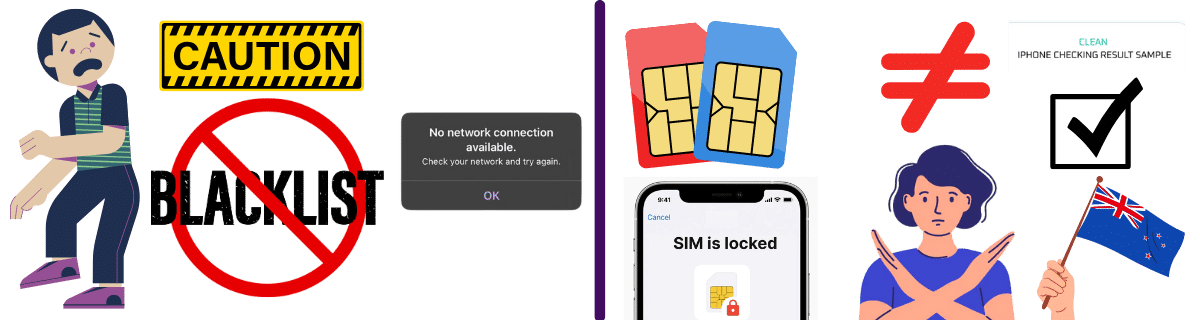
The reason the IMEI is so important for the blacklist is that this number is the one that keeps the report imposed by the carrier. When a phone is reported stolen or lost, the IMEI is added to a blacklist database (like the GSMA's global database or national ones). Once that registration process is done, your phone will lose all mobile network connections, whether it is an iPhone or Android device, making it unusable with any carrier in New Zealand.

How Does the Blacklist System Work in NZ?
In New Zealand, the mobile phone blacklist system is a collaborative effort between the country's major mobile network operators and the Telecommunications Carriers Forum (TCF). It is basically designed to reduce mobile phone theft and protect consumers by blocking stolen or lost devices across all major networks. However, there can also be other reasons to lock a device, like being involved in fraud, unpaid bills, and other illegal activities (cloning, scams, etc.).
Are there official unlocking rules for each carrier in New Zealand?
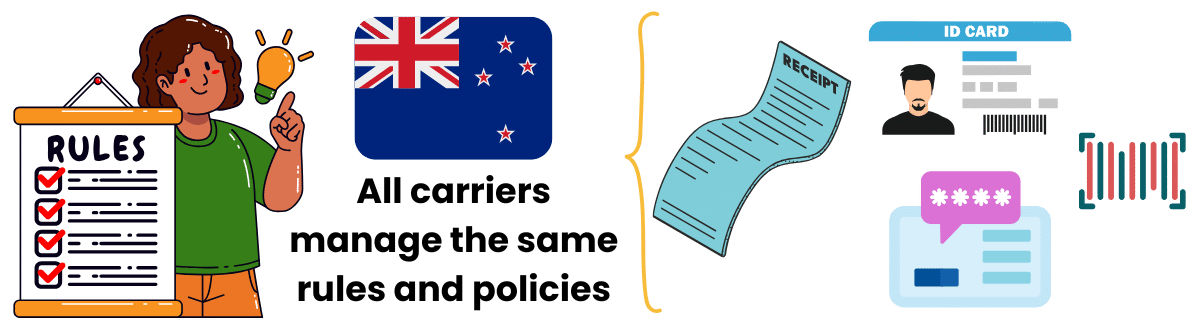
Quick answer: All carriers follow the same unlock policy
No, in this case, all carriers manage the same unlock policy for any locked phone added to this list. This means that the list of requirements to unlock your phone is basically similar, with a few exceptions regarding fees... Only the person who reported the device lost or stolen can request to unblock it. For that, they must provide proof of ownership, such as a police report or original receipt with IMEI code, to the same provider that initiated the block, NZ Telecommunications Forum.
Once validated, the provider removes the IMEI from their blacklist, which then will make sure it is effective in the shared TCF database, making the smartphone functional in another network (as long as your phone is compatible and SIM-unlocked).
All New Zealand carriers use the same unlock policy. Only the original reporter can unlock with proper documentation through the TCF database system.
Is there an official NZ IMEI check service?
Yes, the same TCF has an internal IMEI checker you can consult at any moment! It works as a regular online checker and will tell you if you have a locked device. It is completely free and doesn't seem to have any limitations, so you can check your device blacklist status before and after cleaning it. However, please note that the updated report may take up to 48 hours to reflect, so initially, it will still appear as a locked phone in New Zealand.
Use the TCF check system before and after you clean the blacklist report!

IMEI unlock New Zealand: Complete your process online with ESNDoctor!

To unlock your device with ESNDoctor, you can complete the unlock process by filling out the following information:
Provide Required Information
Start by gathering and submitting your device information through our online form.Name, email, phone brand (Samsung, iPhone), and the phone's IMEI number.
Create Account & Follow Instructions
Once that part is done, you will need to create an online account with us to access our specialized services that will clean your device.
Test & Verify Success
To ensure everything is working, you only need to restart the phone and try to make a call. If it works, you are ready to go, and the phone will be functional again from now on.